Product Tour

Inside the day-to-day workflow for compliance teams.

Review how operators record activity, resolve exceptions, and generate filing outputs without leaving one system of record.

Step 1

Run Entry Workspace

Operators capture the physical action once. DSPdesk classifies intent and previews the impact.

  • Single surface for receipts, production, bottling, and removals
  • Inline balance and forms-impact preview before posting
  • Blocking checks for out-of-tolerance or insufficient inventory entries
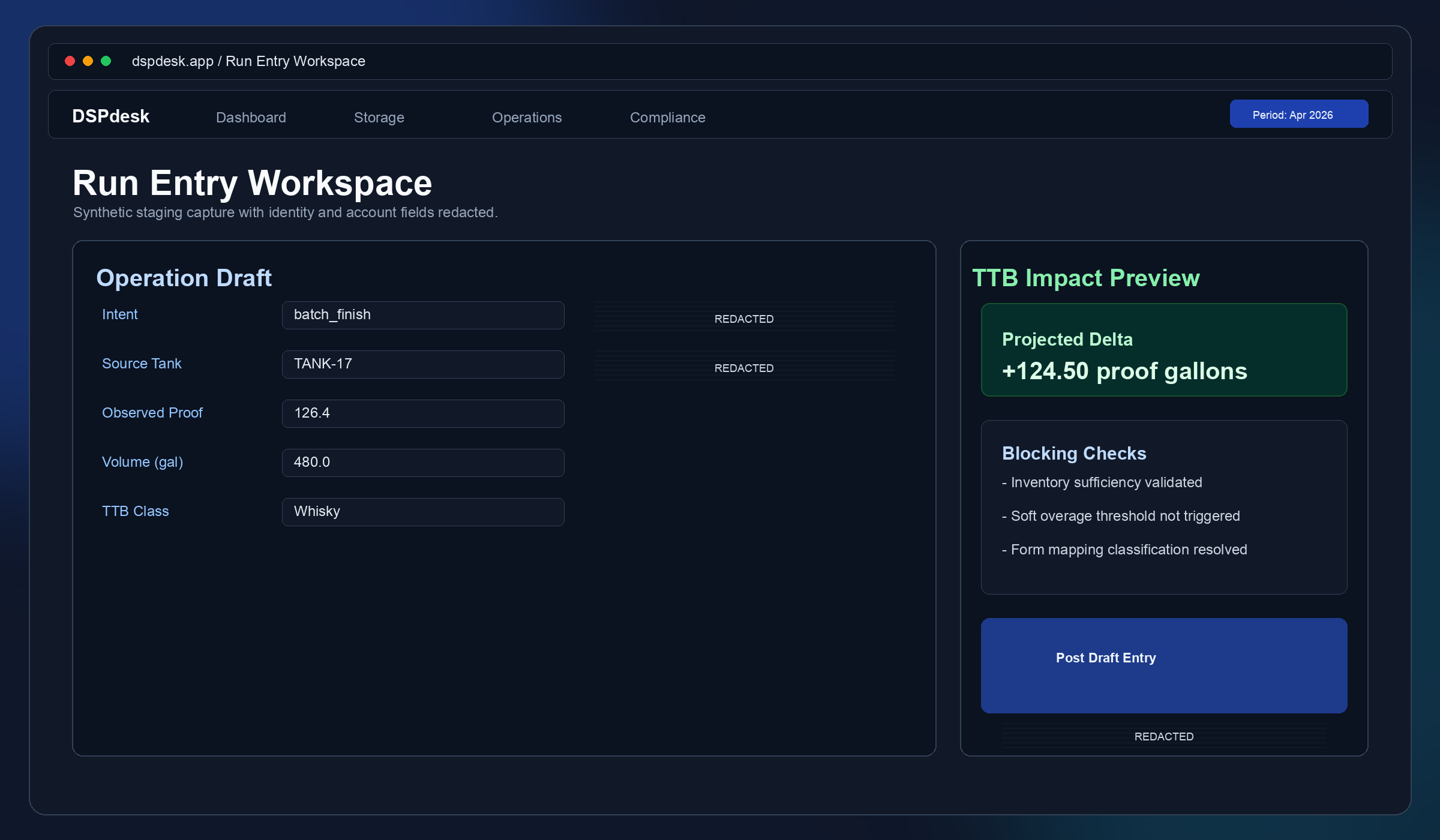
Run Entry Workspace

Step 2

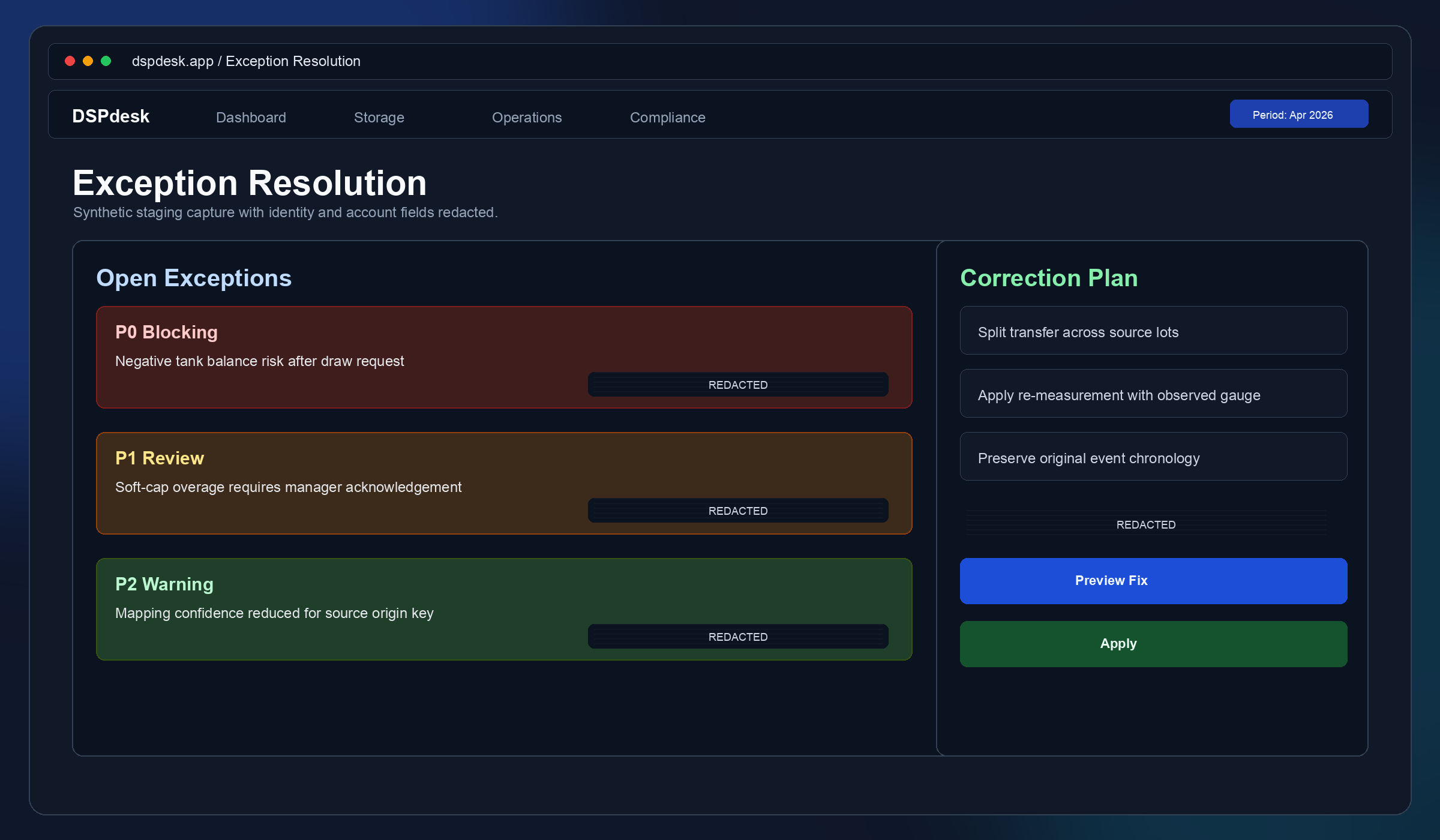
Exception Resolution

When data conflicts with invariants, the exception queue explains why and proposes fix paths.

  • Organized queue of unresolved compliance-impacting exceptions
  • Corrective actions with explicit rationale and actor traceability
  • Preview-first correction flow before any ledger mutation
Exception Resolution

Step 3

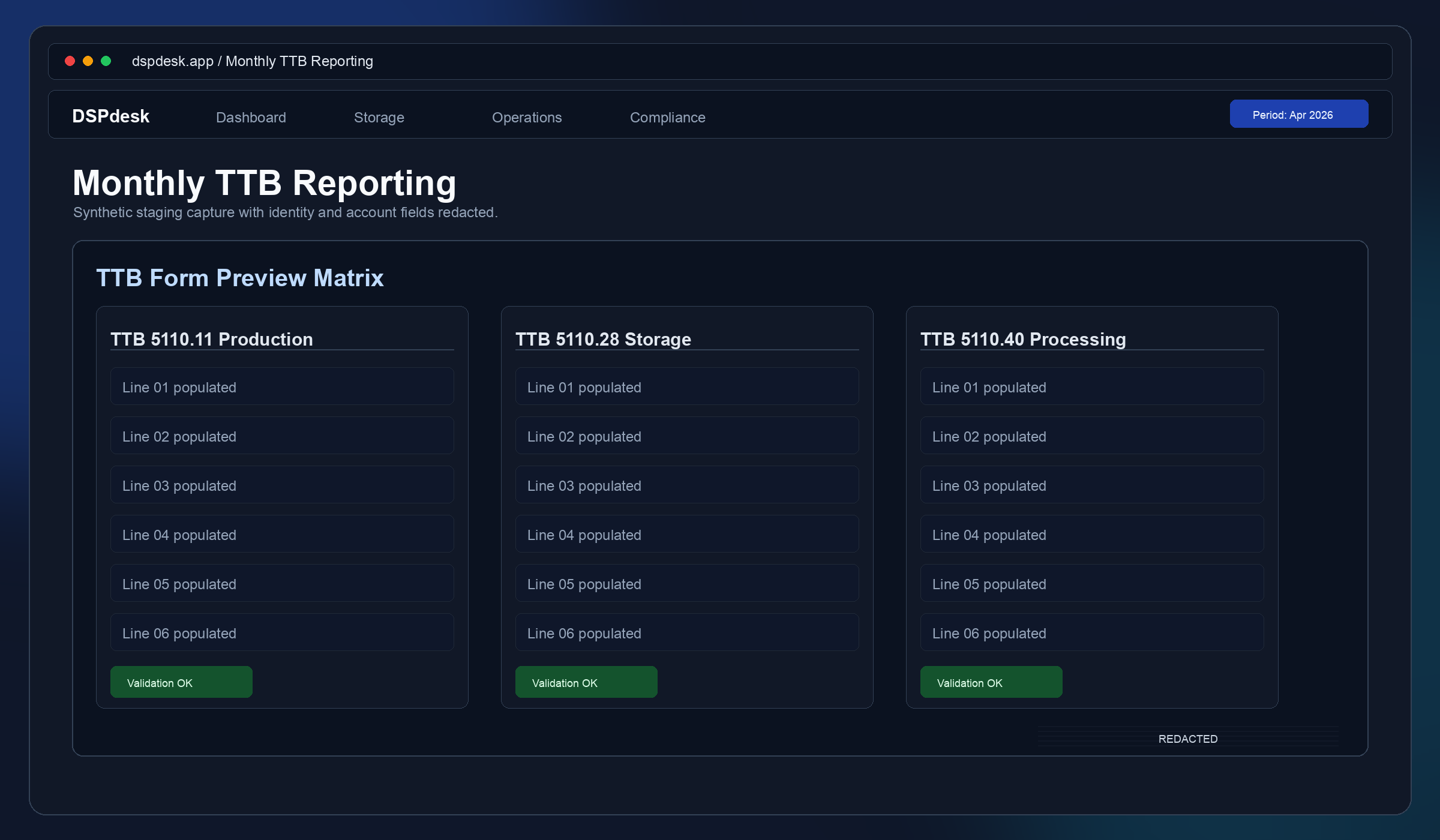
Monthly TTB Reporting

Operations roll up into TTB 5110.11, 5110.28, and 5110.40 previews for the filing period.

  • One-click period preview with validation and tie-out checks
  • Per-form visibility into how each operational bucket is populated
  • Production, storage, and processing outputs generated from the same ledger truth
Monthly TTB Reporting

Step 4

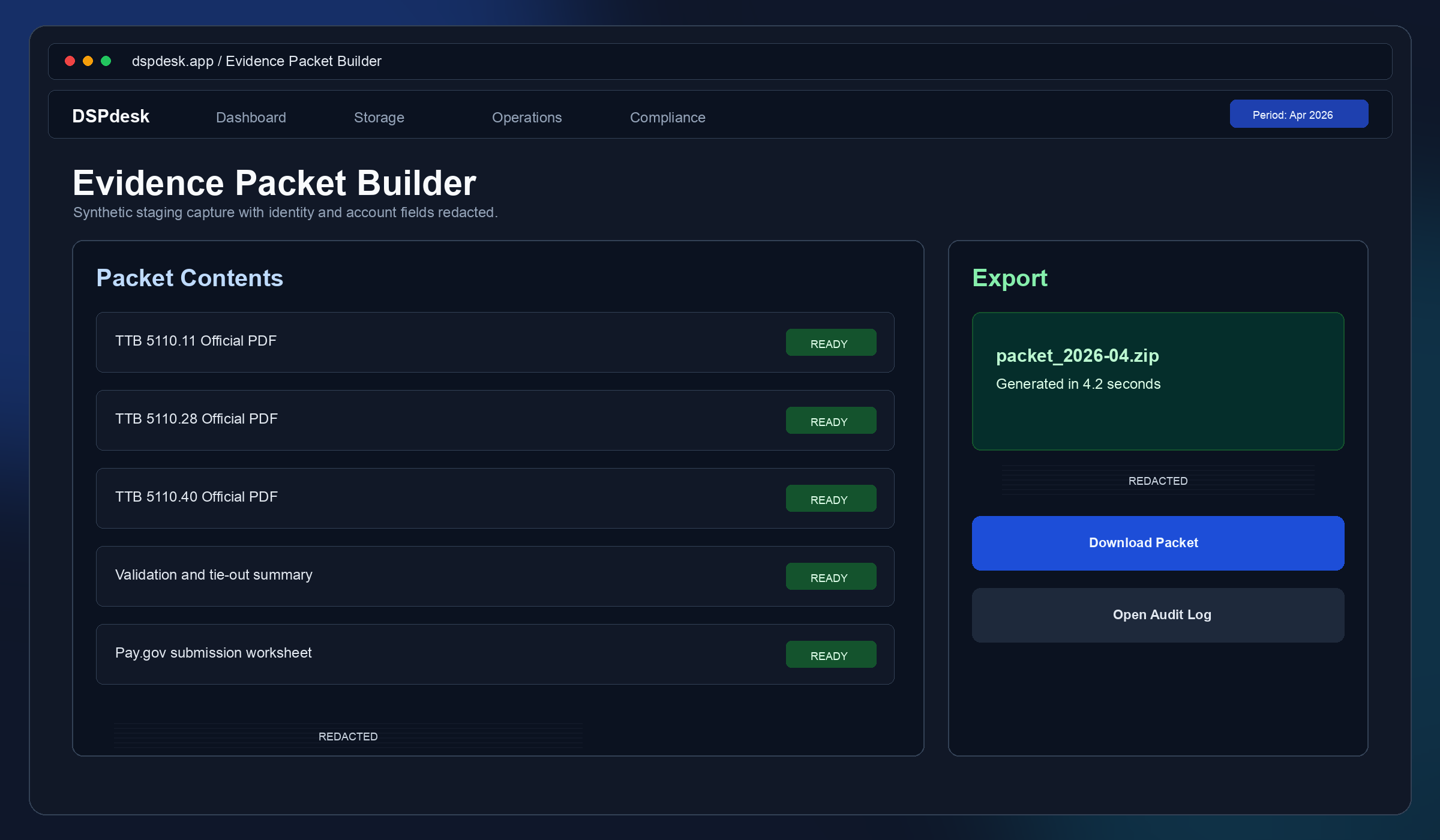
Evidence Packet

Final output packages report artifacts and audit context for internal review or regulator response.

  • Downloadable packet built from report generation context
  • Consistent period metadata and source attribution
  • Built to support routine monthly filing and audit follow-up
Evidence Packet

Want this mapped to your exact DSP workflow?

Share your current month-end process and filing volume. We will walk through how data would flow in DSPdesk, including any migration concerns.